01
Upload your AWS Bills page
Upload 1–3 billing-period PDFs. CloudInSpot previews the periods, totals and line-item counts before processing.
CloudInSpot analyzes the bill you already have, identifies where you’re overspending, and gives you a ranked, evidence-backed plan to reduce cost — without connecting to your AWS account.
Talk to our team today.
What is CloudInSpot?
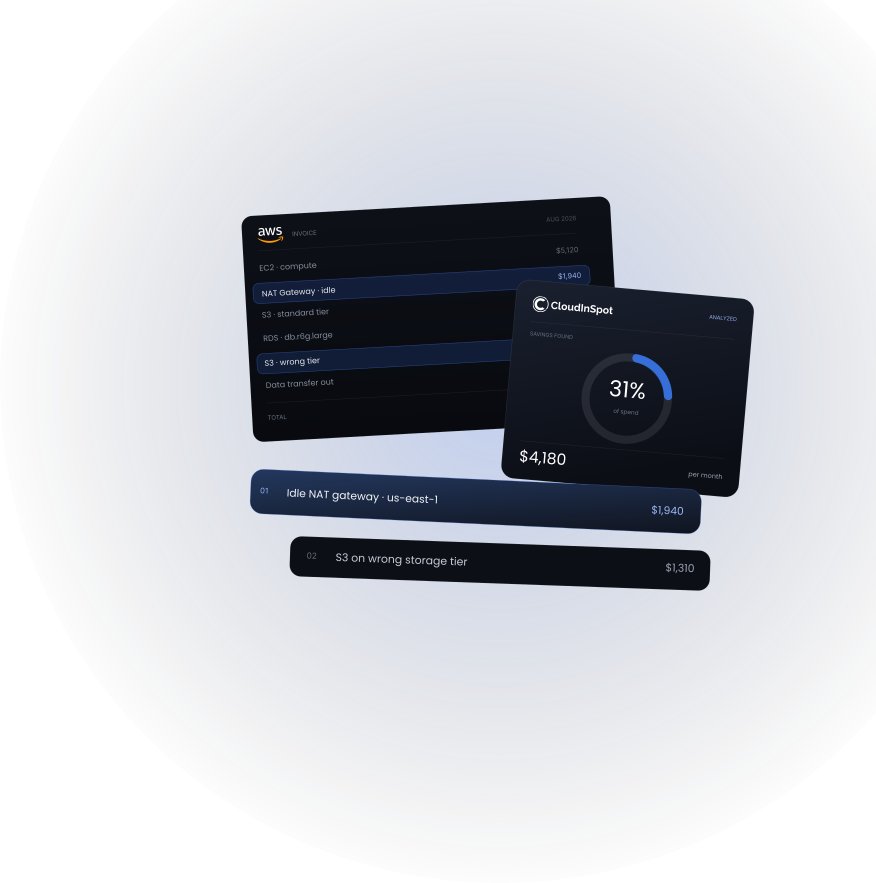
CloudInSpot turns your existing AWS billing data into a prioritized cost-optimization assessment — identifying potential waste, estimating savings, and explaining what to investigate next.
Every finding is grounded in the billing data you provide.
Identifying information is removed before AI analysis.
CloudInSpot never connects to your AWS account or changes your infrastructure.
The Problem
It lists hours and rates across hundreds of lines. Somewhere in there is an idle gateway, an empty load balancer, or storage on the wrong tier — but finding it takes time and FinOps skills most teams don’t have. So the audit slips, and the bill quietly grows.
Hundreds of line items in hours and rates — not plain answers.
A real monthly audit needs FinOps skills most teams can’t spare.
Idle resources keep billing every hour until someone finally notices.
The Solution
CloudInSpot works from the billing data you already have. It doesn’t need credentials, API access, or visibility into your infrastructure. It analyzes the spend recorded on your bill, identifies potential optimization opportunities, and builds a prioritized action plan.
Upload 1–3 billing-period PDFs. CloudInSpot previews the periods, totals and line-item counts before processing.
Your billing data is processed and identifying information is replaced before AI analysis.
CloudInSpot identifies potential waste, estimates savings and cross-checks its findings against the source bill.
Receive an evidence-backed assessment with savings opportunities, effort, risk, confidence and recommended next steps.
Every quoted figure is traceable to your uploaded bill.
Our Core Capabilities
From the first upload, CloudInSpot turns raw billing data into decisions, not another dashboard to interpret.
Finds idle, redundant and potentially inefficient spend from the rates and usage patterns represented in your bill.
Every quoted figure is matched to your bill in code; a report resting on a number that isn’t there is refused.
Each opportunity includes estimated savings, effort, risk, confidence and what to investigate first.
Compare up to three billing periods to distinguish persistent cost drivers from one-off spikes and identify where spend is trending upward.
Identify billing patterns that may warrant a closer look, including unusual spend and commitment opportunities.
Nothing that identifies you reaches an AI. Your uploads are deleted when the run ends.
Who it’s for
Understand infrastructure cost without running a full FinOps exercise.
Put evidence behind cloud-cost conversations without becoming AWS cost experts.
Control infrastructure costs as usage and customer volume grow.
Analyze multiple client bills quickly and produce a professional assessment.
Why CloudInSpot
Every finding starts with the billing data you supplied. Quoted figures are validated against the source before they appear in the report.
CloudInSpot doesn’t need AWS credentials, roles or infrastructure access. Identifying information is removed before AI analysis.
You don’t get another dashboard to interpret. You get prioritized opportunities, estimated savings, effort, risk and next steps.
CloudInSpot doesn’t change infrastructure, modify configurations or touch your AWS environment.
Not another cloud dashboard
It doesn’t require AWS credentials, agents, integrations or ongoing
infrastructure monitoring.
You give it the billing data. It
gives you the analysis.
FAQ
No. It works entirely from the PDF you upload — no keys, no roles, no connection. CloudInSpot reads and recommends; it never changes anything in your account.
Only after identifying information has been removed. Account IDs, names and other identifiers are replaced before analysis, and your uploads are deleted when the run ends.
Every quoted figure is matched against your uploaded bill. Savings are estimates based on the rates and usage on that bill, and each comes with a confidence level so you know what to verify first.
Upload 1–3 billing-period PDFs from your AWS Bills page. More periods let CloudInSpot separate persistent cost drivers from one-off spikes.
No. Those tools monitor spend continuously. CloudInSpot gives you a focused, prioritized assessment whenever you need one, with no integration required.
Never. It has no access to your environment. You decide which recommendations to act on.
We’ve received your request. Our team will get in touch at shortly.